
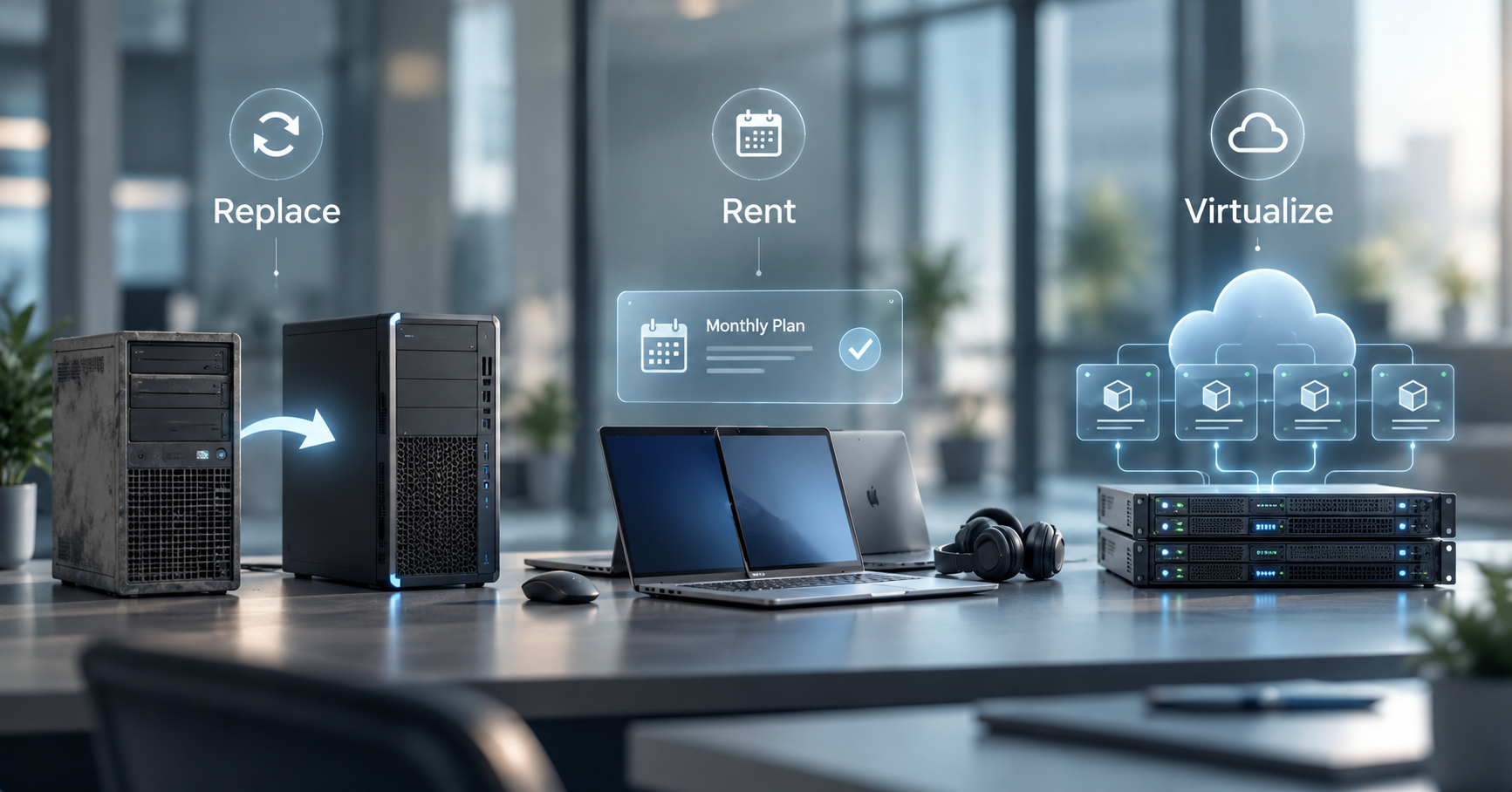
When a server starts showing its age or office computers begin slowing employees down, buying replacements can feel like the obvious next step. But purchasing new equipment is no longer the only option. Businesses can also rent hardware through a subscription model or virtualize some of the workloads that once required their own physical machines.
The right choice depends on what the equipment does, how much control you need, and how you want to manage IT costs. Here’s how the three approaches compare.
When should you replace your IT hardware?
Buying new hardware makes sense when a device serves an important day-to-day role and your business benefits from owning it outright. A workstation that runs specialized dental imaging software, for example, may need specific processors, memory, or connections to clinical equipment. Replacing an aging computer with a properly configured machine can be more practical than trying to move that workload elsewhere.
Replacement also becomes important when old equipment can no longer support current software, security updates, or performance needs. Repeated crashes and repairs are another warning sign. At some point, keeping an unreliable computer or server running costs more in lost productivity than replacing it.
The key is to plan upgrades rather than wait for equipment to fail.
Our guide to 2026 technology budgeting explains why technology purchases should fit into a broader roadmap instead of becoming one-off reactions to problems.
When does renting hardware make more sense?
Businesses that want newer equipment without a large upfront purchase may prefer Hardware-as-a-Service (HaaS). Under this model, you pay a recurring fee to use business hardware rather than purchasing it outright. Depending on the agreement, maintenance, repairs, upgrades, and replacements may also be included.
A HaaS solution typically covers equipment, such as computers, servers, and routers, as well as ongoing maintenance, updates, upgrades, and replacements. That can make technology spending more predictable and reduce the burden of managing equipment life cycles internally.
Rental can be especially useful for growing businesses. Instead of making a large investment every time you add employees or expand an office, you can build hardware costs into your monthly operating budget.
What does virtualizing your hardware mean?
Virtualization takes a different approach. Rather than dedicating an entire physical server to one operating system or workload, virtualization software creates separate virtual machines that share the resources of physical hardware.
Think of it as dividing one well-equipped building into several independent offices instead of constructing a separate building for every team.
For businesses, that can mean fewer physical servers to buy and maintain. Microsoft notes that virtualization can help organizations improve hardware utilization, simplify IT management, and support backup and disaster recovery processes.
Virtualization does not mean every piece of hardware disappears. You still need physical infrastructure somewhere, and certain applications or specialized equipment may work best with dedicated local systems.
Healthcare and dental practices are a good example. Clinical applications, digital radiography systems, and other specialized technology may have specific hardware requirements. Other workloads, such as file storage or general business applications, may be better candidates for virtualization or hosted infrastructure.
Read our blog for a closer look at these considerations when comparing an office server with a hosted cloud environment.
So, should you replace, rent, or virtualize?
There is no universal answer. In many businesses, the smartest strategy combines all three.
Replace equipment when ownership and dedicated performance make sense. Consider renting when predictable costs and managed maintenance matter more than owning the hardware. Virtualize workloads that do not need their own dedicated physical machines and can benefit from greater flexibility.
Before choosing, consider more than the purchase price. Look into maintenance costs, software compatibility, security requirements, expected growth, downtime risks, and how employees actually use the technology. The best choice is the one that fits your business today while leaving room for what comes next
Build an IT strategy around what your business needs
Healthy IT helps healthcare practices, law firms, and businesses across Long Island and the New York Tri-State Area make technology decisions without the geek-speak. Rather than replacing equipment simply because it’s old, our team can help you determine where buying, renting, or virtualizing makes the most sense.
Want more practical guidance before planning your next technology investment? Explore Healthy IT's free IT eBooks and guides for resources designed to help business owners make smarter technology decisions. Or contact our team if you need expert advice.